Bookmark Folder or Reading List? Choose by What You Need Next
Choose a bookmark folder or reading list by deciding whether a page is a reusable source or unfinished reading, then give each item a clear next action.

You have a council planning page open beside an article you have not read, and the browser is asking where to save them. A bookmark folder or reading list is easier to choose between when you ask one question: do you need to find this source again, or still need to read it?
Bookmark folder or reading list
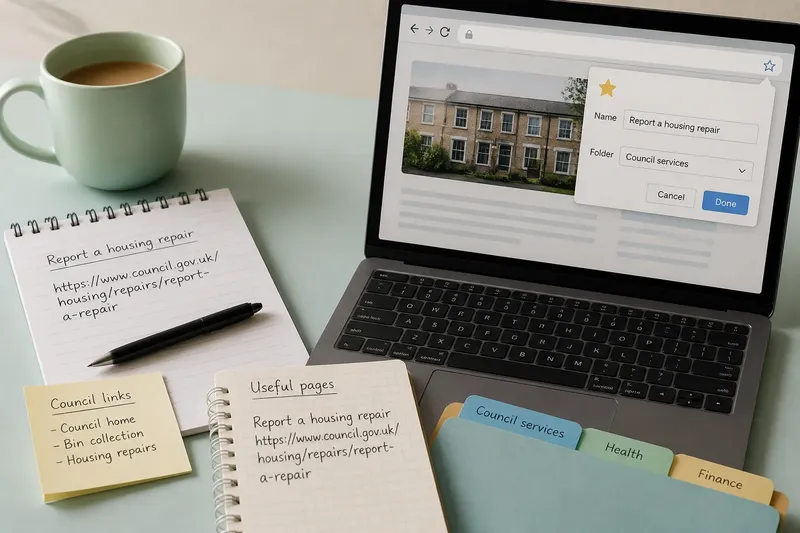
A bookmark folder is a place for sources you expect to retrieve: a council planning portal, a product manual, or a reference page you will consult while working. Its job is to make a known source findable when a later question arises.
A reading list is a queue for unfinished attention. Put a long report there if you have not read it, an article there if you want to check its argument, or a page there if you still need to examine a particular diagram. Some browsers and reading apps offer notes, tags or offline access, but the names and features differ. Choose by the task, not the label.
A page can change roles. Read it first; then decide whether it earned a permanent place as a source, or whether its job is done and it can leave the list.
Separate retrieval from reading
These tools solve different kinds of forgetting. A bookmark helps answer, “Where was that source?” A reading list helps answer, “What have I not read or acted on yet?” Mixing the two makes both questions harder: an unread report can hide among settled references, while a useful source can disappear when you clear an old queue.
Use this simple sorting rule when saving a page:
- If you have not read it and want to give it attention, place it in the reading list; if you already know it is a lasting reference, use a bookmark instead.
- If you have read it and expect to consult it again, bookmark it; if it no longer has a use, remove it rather than keeping it as a vague reminder.
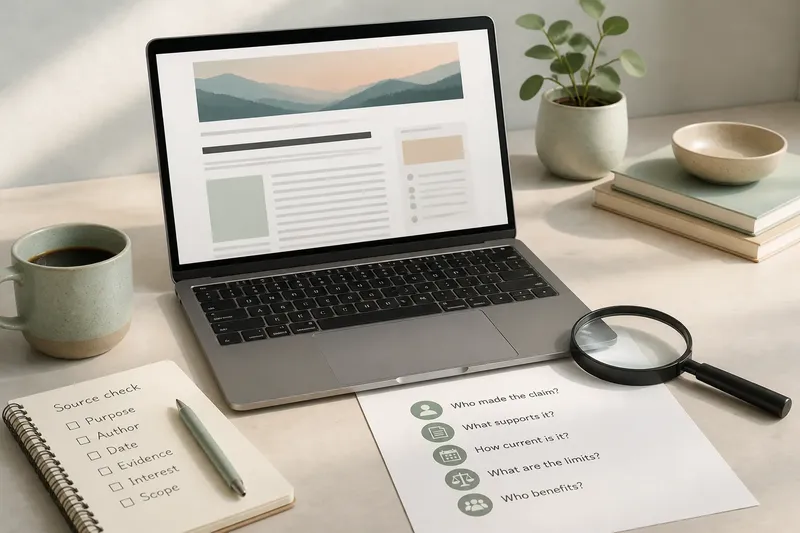
- If you need to verify a claim before acting, keep it in the reading list until that check is complete; if it becomes a source you will reuse, move it to bookmarks.
- If you are unsure why you saved a page, pause before adding it; if you can name a specific reading task, queue it, otherwise leave it unsaved or bookmark it only when you can name its future use.
- If the page is both unread and likely to be a lasting source, keep it in the reading list first; after reading, move it to bookmarks if it remains useful.
- If you are saving a page only to share it with someone, use the appropriate sharing method; if you also need to read or retrieve it yourself, save it in the tool that matches that separate task.
Say you have an unread council report about a proposed cycle route and a council map you have already consulted while drafting comments. The report goes in your reading list because you still need to assess it; the map goes in a bookmark folder for planning sources because you may need to retrieve it again. After reading, if the report supplies a useful reference for later work, move it to that folder; if it does not, remove it from the queue.
Keep the queue usable
A reading list becomes less useful when every passing interest joins it. Save a page only when you can state the next action: read the report, check the diagram, compare the advice, or verify a detail. That action is more helpful than a broad label such as “interesting”.
When you finish, make a small decision rather than letting the page linger:
- If the page still needs a specific check, keep it in the reading list and name that check; if no task remains, remove it or move it to bookmarks when it has lasting value.
- If the page supports a claim you may need to revisit, bookmark it after reading; if it was useful only for the immediate task, let it go.
- If the list is crowded with items you no longer intend to read, remove those entries; if some are still relevant, keep only the ones with a clear next action.
For a page you might need both to read and to retain, avoid making two copies by default. Start in the queue, then move it when its role changes; use a note or a second saved entry only if your tools make that distinction genuinely helpful.
Choose a home for each page?
Should I bookmark a page I have not read?
Use the reading list if reading is the next task. Once you have read it, bookmark it only if you expect to retrieve it as a source.
Can I keep a page in both places?
You can, but duplicate entries can make it unclear which one to update or remove. Start with the tool for the immediate task, then move the page when that task changes.
What if I need the page offline?
Check whether your browser or reading app saves the article itself or only stores its link. A bookmark usually points to the website, so it may not help when the connection is unavailable.
What if I change apps?
Check whether export includes the URLs and any notes or tags you rely on. Try a small export first, then confirm the saved links open in the new tool before moving the rest.
Match tools to attention
Use the reading list for pages that still ask something of you: a chapter to read, a claim to check, a diagram to inspect. Use a bookmark folder for sources you have already judged useful enough to seek out again. This bookmark folder or reading list distinction keeps unfinished attention separate from future retrieval.
Before closing a saved page, name its job in plain language. If you cannot tell whether it is waiting for your attention or serving as a source, decide that first; the right place will usually follow.